
Phishing emails have become almost as common as regular spam, but they pack way more risk for anyone, whether you’re going through your morning inbox or managing your business’s email. While some look suspicious right away, others sneak through, disguised almost perfectly as legitimate communication. I’ve seen far too many smart people fall for these scams, so learning how to spot phishing emails is super important for keeping your info and your money safe. This all-in-one guide has everything you need to recognize the warning signs and protect yourself every day.
What Are Phishing Emails and Why Do They Matter?
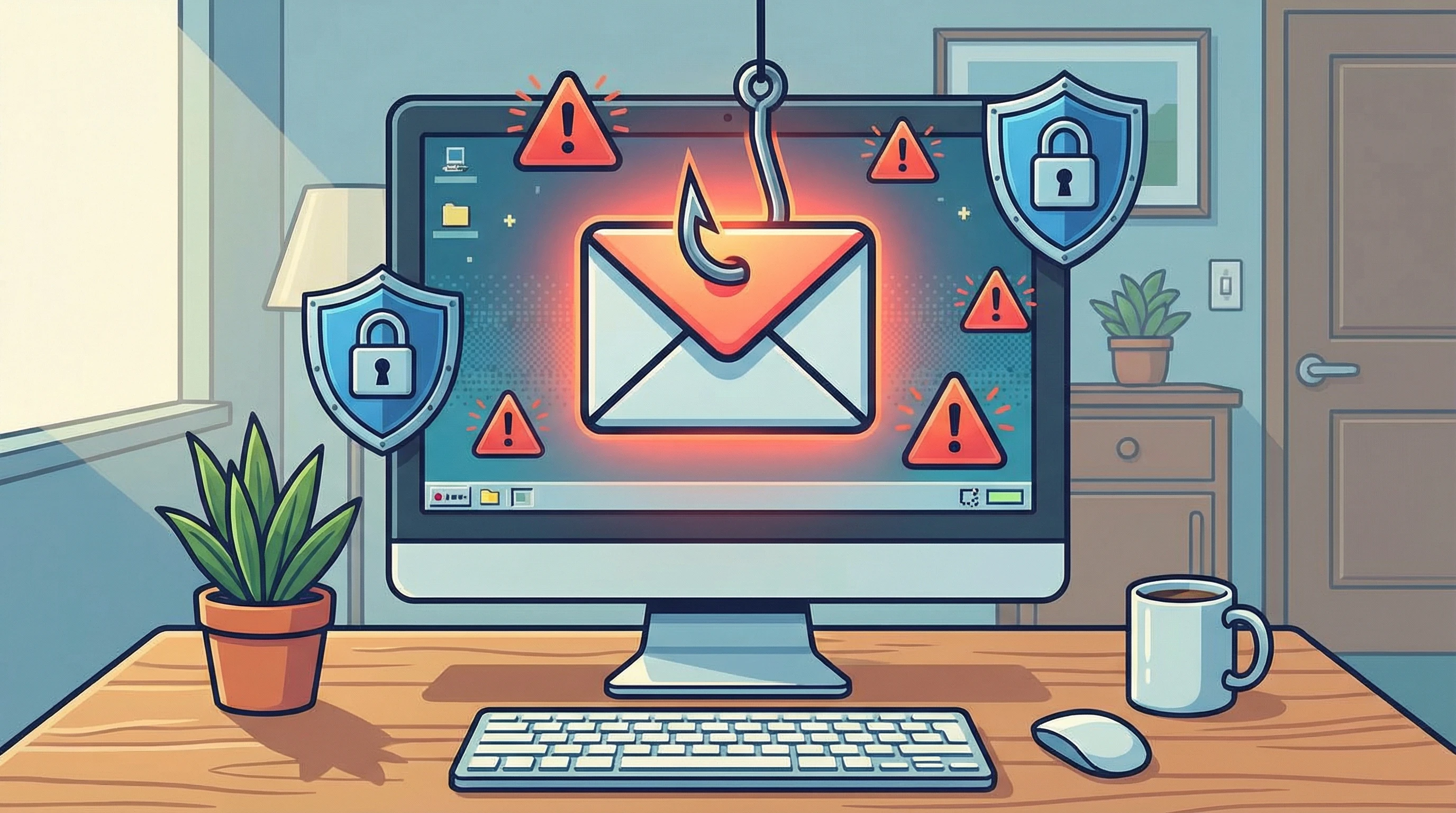
Phishing emails are fake messages that pretend to be from people or companies you trust. The goal? Trick you into sharing details like passwords, credit card numbers, or even access to your bank accounts. Over the past few years, phishing attacks have shot up. According to FBI’s IC3 report, billions are lost each year to email scams worldwide.
Phishers usually send emails that look urgent (think: “Your account will be locked!”), include links to fake login pages, or trick you into downloading infected files. Learning about their tactics helps you notice red flags, sometimes before you even open the email. Internet security experts report that phishing attacks commonly target both individuals and businesses of all sizes, making no one fully safe from these tricks. By taking the time to build strong email habits, you stop scammers in their tracks.
Understanding the Classic Signs of a Phishing Email
There are a handful of telltale signs that can help you spot phishing emails right away. Here are some to watch for:
- Suspicious Sender Addresses: Often, the sender’s name looks right, but the actual email (hover over or tap to view) is a strange, unfamiliar address, sometimes off by just one letter.
- Urgent or Scary Language: Anything that urges you to act “now” because of a problem with your account. Genuine companies rarely use threats or panic tactics.
- Weird Attachments or Links: Attachments may look like regular invoices (.pdf, .docx) but can hide malware. Links might use confusing text or direct you somewhere sketchy if you hover over them (without clicking).
- Poor Spelling or Grammar: Phishing emails often include typos or awkward language, since they’re typed up in a hurry, or translated poorly.
- Requests for Private Details: Real companies and banks almost never ask you to share your password, verification code, or PIN through email.
It’s worth mentioning that phishing tactics keep evolving. Scammers now use more professional-looking emails and sometimes insert real company logos or signatures. The moment you see a mix of any warning signs above, take a little extra time to read things over before you click.
How to Double-Check and Stay Safe
It’s easy to get tricked if you’re distracted, so keep these habits in mind:
- Pause and Think: If something feels odd or makes you nervous, step back and reread. Scammers count on people acting fast and not thinking things through.
- Check the Sender: Look at the sender’s full email address closely. If it’s a bunch of random numbers or letters, or the company domain is misspelled, that’s a major warning sign.
- Hover Over Links: Hover your mouse over any link (don’t click!) to see where it really goes. If the address is a jumbled mess or not what the email promised, don’t touch it.
- Go Directly to the Source: If you’re not sure, open a new tab and type in the company’s website yourself instead of clicking links.
- Use Two-Factor Authentication (2FA): Set up 2FA wherever you can, especially for email and financial accounts. This makes it a lot harder for scammers to get in even if they grab your password.
Also, keep in mind that legitimate companies will never hurry you into a decision, threaten you, or only communicate through email for something major. If you skip clicking links and seek out contact info from the real website, you’re already ahead of most phishing plots.
Quick Guide: What To Do If You Spot (Or Fall for) Phishing
It’s not always possible to avoid every single trick. Here’s what I do when I spot a phishing email, or even if I accidentally click:
- Don’t Click or Download: Avoid opening any links or attachments in a suspicious message.
- Mark as Spam/Phishing: Most email apps have a “report phishing” option. This helps your provider improve their filters and warn others.
- Change Passwords: If you clicked or shared info, update your passwords (especially the one for your email).
- Set Up Account Monitoring: Keep an extra eye on your bank and email accounts for unexpected activity.
- Let IT or the Company Know: If it’s work email, report it to your IT team. If the scam pretended to be your bank, forward it to their fraud department (usually something like spoof@bankname.com).
If you’ve already handed over personal info, act quickly by contacting any financial institutions or services involved. Many companies have specialists ready to help you limit the damage, especially if you catch it within a few hours.
Things You Should Watch Out For in Phishing Scams
Tricky phishing emails can take lots of different forms beyond the typical “account locked” message. Here are a few common types to keep an eye out for:
- Invoice or Payment Scams: These pretend to be bills you owe or payments to process. Scammers hope you’ll click “pay” without checking if it’s a real charge.
- Package Delivery Traps: You might get a fake notice from FedEx, UPS, or Amazon about a delivery delay. These usually hide links to trap your logins.
- HR or Payroll Messages: Some scams pose as your HR department about “payroll changes,” “vacation policy updates,” or direct deposit details.
- Social Media Phishing: These look like “security alerts” from Facebook, Instagram, or even Netflix. When you log in, the scammer just snags your username and password.
Invoice or Payment Traps
Phishing invoices usually have a company logo and look almost legitimate. They might say you owe money, or they might offer a “refund”, but you have to click a link or attachment to sort it out. Verifying all payment requests (even small ones) is really important before taking any action. Double-check by calling the company directly using the number on their official website, not the one from the email.
Missed Delivery Scams
Fake delivery emails usually include tracking numbers and urgent language like “Missed Delivery, Update Info Now!” I’ve seen a bunch that look like they’re from a familiar shipping company, but clicking through will lead to a bogus website designed to swindle login credentials or credit card numbers. Always use the company’s real website or official app to track your packages.
Payroll and Social Media Attacks
These can steal a lot more than just money, sometimes your identity or social accounts. Question any email about account changes or security “bugs,” especially if you didn’t request an update. If your job or favorite service sends something weird, check with them outside the email thread.
Simple Steps That Boost Your Email Security
Staying safe isn’t all about nitpicking every message; it’s also about setting up a few easy protections:
- Keep Software Updated: Your device’s security updates help block nasty attachments or links.
- Use Email Filters: Most email clients offer built-in spam and phishing filters. Adjust your settings so suspicious emails go straight to your spam folder.
- Use a Password Manager: Password managers won’t fill in your login on phishing sites, since the URL won’t match your real one. That helps you spot fake sites faster.
- Educate Yourself and Others: I like to send screenshots or stories of real phishing attempts to friends and coworkers. The more you all know, the harder it is for scammers to win.
Combining these habits multiplies your safety, giving future phishing attempts far less chance of working. Encourage friends and family to pick up the same habits, and you’ll make your group much harder to trick.
Examples: What Do Real Phishing Emails Look Like?
It helps to see how real phishing attempts show up. Here’s a quick walk-through:
- Bank Alert Phishing: “We detected unusual activity in your account. Please login here to verify your details.” The link leads to a fake banking site.
- Fake HR Email: “Annual benefits policy update, see attached document.” The attachment is a virus.
- Shipping Notification Scam: “Delivery failed, click this link to reschedule.” The link is a trap.
Some phishing emails are lazy, with “Dear customer” and weird logos. Others are polished and convincing, copied straight from real emails. Even if it looks perfect, the safest move is to question anything unexpected or urgent that lands in your inbox.
Staying on top of example scams is useful, but phishing evolves all the time. Watch for new tricks, double-check any message that seems out of place, and swap stories with friends or coworkers to help guard each other better.
Frequently Asked Questions
These are a few of the questions I get the most when talking with friends or clients about phishing threats and email security:
Question: What’s the fastest way to check if an email is a scam?
Answer: Hover your mouse over links, check the sender’s full address, and avoid downloading attachments unless you were really expecting them. When in doubt, contact the company directly through their official website or customer service.
Question: What should I do if I clicked a suspicious link?
Answer: Change your passwords right away and run a security scan on your device. If you shared sensitive info, contact your bank or service provider immediately to let them know.
Question: Can spam filters catch all phishing emails?
Answer: Filters catch a lot, but not everything. That’s why it’s always smart to review emails for odd sender addresses, language, and tone, even if your inbox looks clean.
Key Reminders for Staying One Step Ahead
No one is completely immune to phishing attempts; scammers are always finding new tricks. The best protection comes from slowing down, checking email details, and leaning on security tools. Just staying aware of the classic red flags and building everyday habits for cautious clicking goes a long way to keeping your info safe. Stay sharp, share what you know, and don’t be shy about reporting anything weird, no matter how small. The more we all stay informed and on our toes, the safer our emails become from sneaky schemes.